How to download your Apple Music play history
To download your Apple Music play history, sign in at privacy.apple.com, choose "Request a copy of your data", tick "Apple Media Services information" and complete the request. Apple emails you when the files are ready, which it says can take up to 7 days. Upload the "Apple Media Services information" zip to depth.fm without unzipping it.
Last checked 27 September 2026. File names, folder layout and column names checked against public documentation and open-source tools that read the export, not against a real export. Screens described from Apple's Data and Privacy page; screenshots to be added. Delivery time: up to 7 days, often a few days.
What is Apple Music's play history?
When you ask Apple for a copy of your data, the Apple Media Services information category includes a folder called Apple Music Activity. The most useful file in it is Apple Music Play Activity.csv, a spreadsheet with one row for each time a song started or stopped. It records the song, the album, when you played it, how many milliseconds you listened, how the song ended (finished, skipped, paused) and which device you used.
Next to it is Apple Music - Play History Daily Tracks.csv, a daily summary of the same listening. depth.fm uses it to fill in missing artists, or on its own if the play activity file isn't there.
How do I request it?
Open Apple's Data and Privacy page
Go to privacy.apple.com in a web browser and sign in with the Apple Account you use for Apple Music.
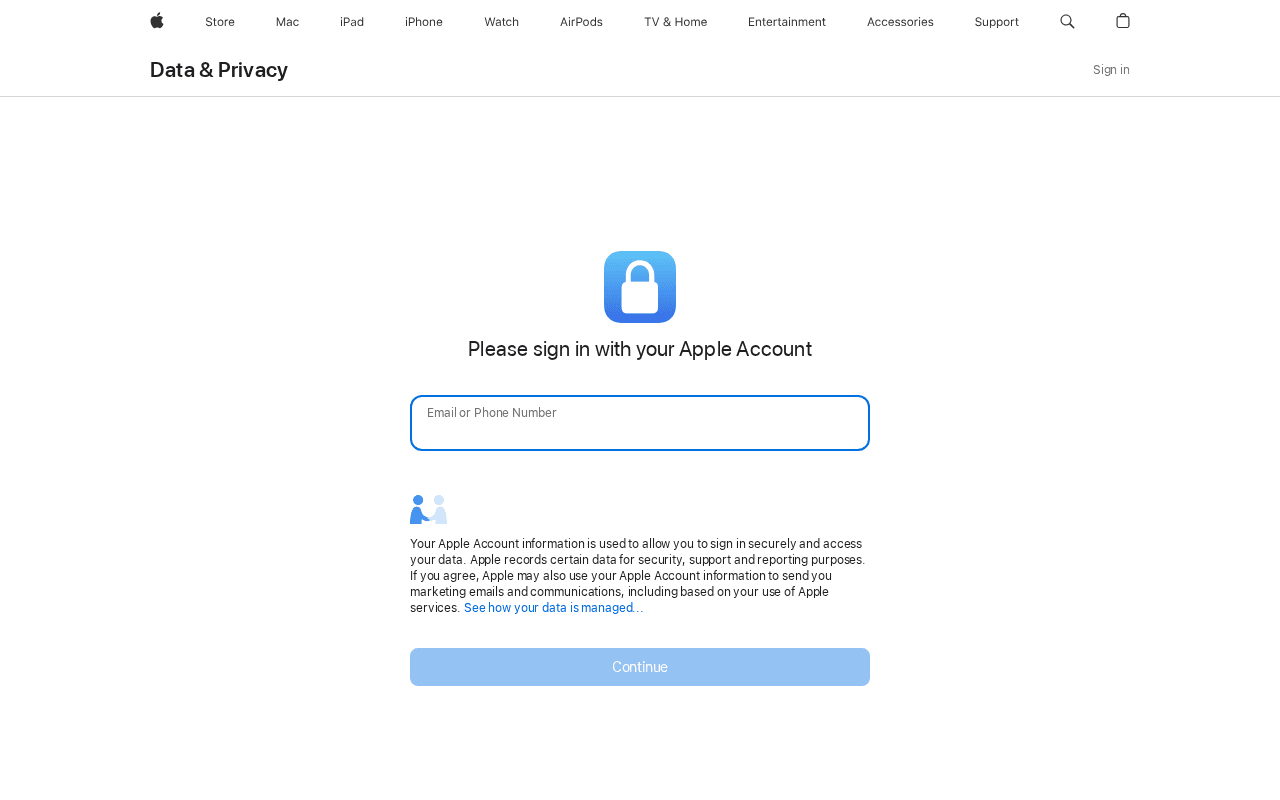
Screenshot taken September 2026: privacy.apple.com asks you to sign in first. 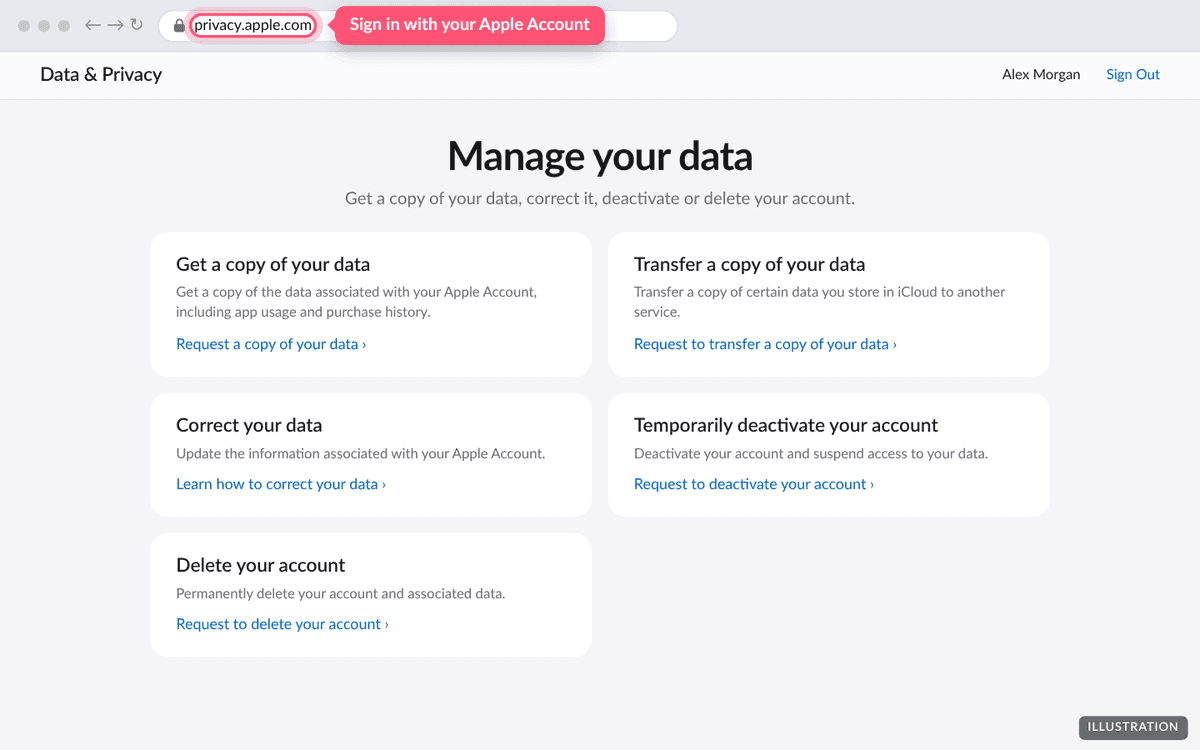
Illustration of the page. The real page may look slightly different. Choose Request a copy of your data
It's under Get a copy of your data.
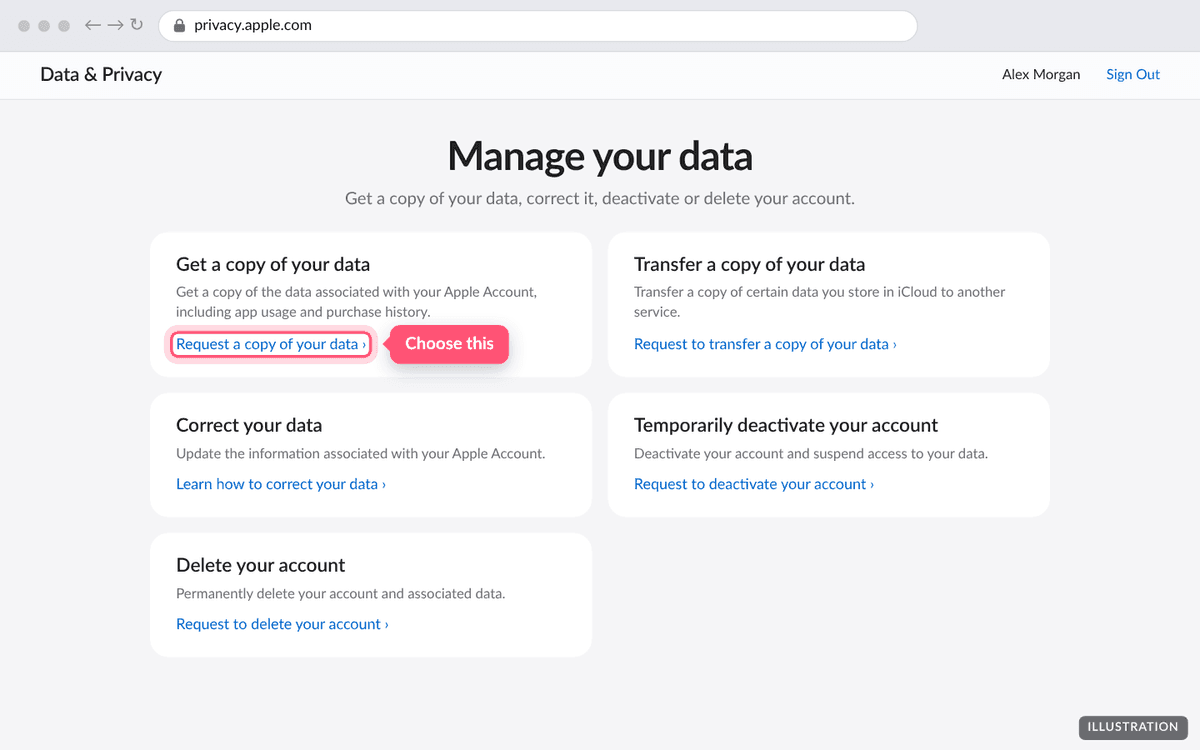
Illustration of the page. The real page may look slightly different. Tick Apple Media Services information
This category holds your Apple Music history. You can leave everything else unticked, which keeps the download small.
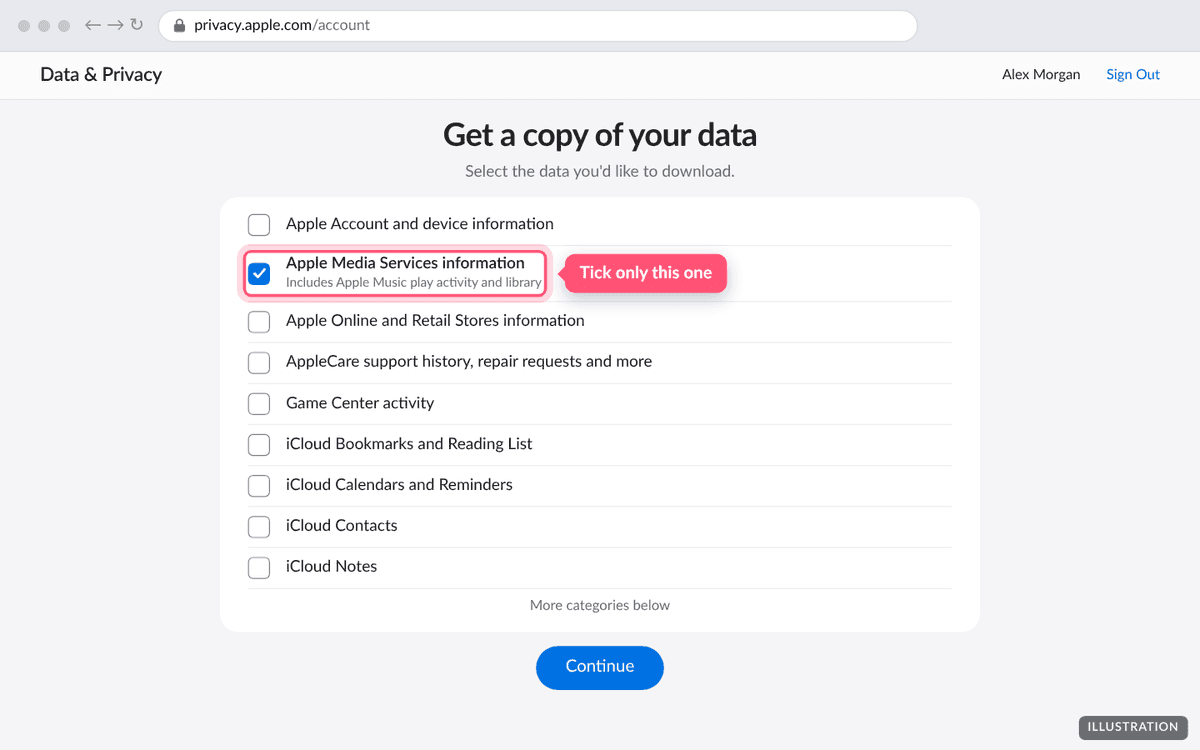
Illustration of the page. The real page may look slightly different. Pick a file size and complete the request
Apple asks how big each file should be. Choose the largest size offered so the export arrives in as few zips as possible, then press Complete request.
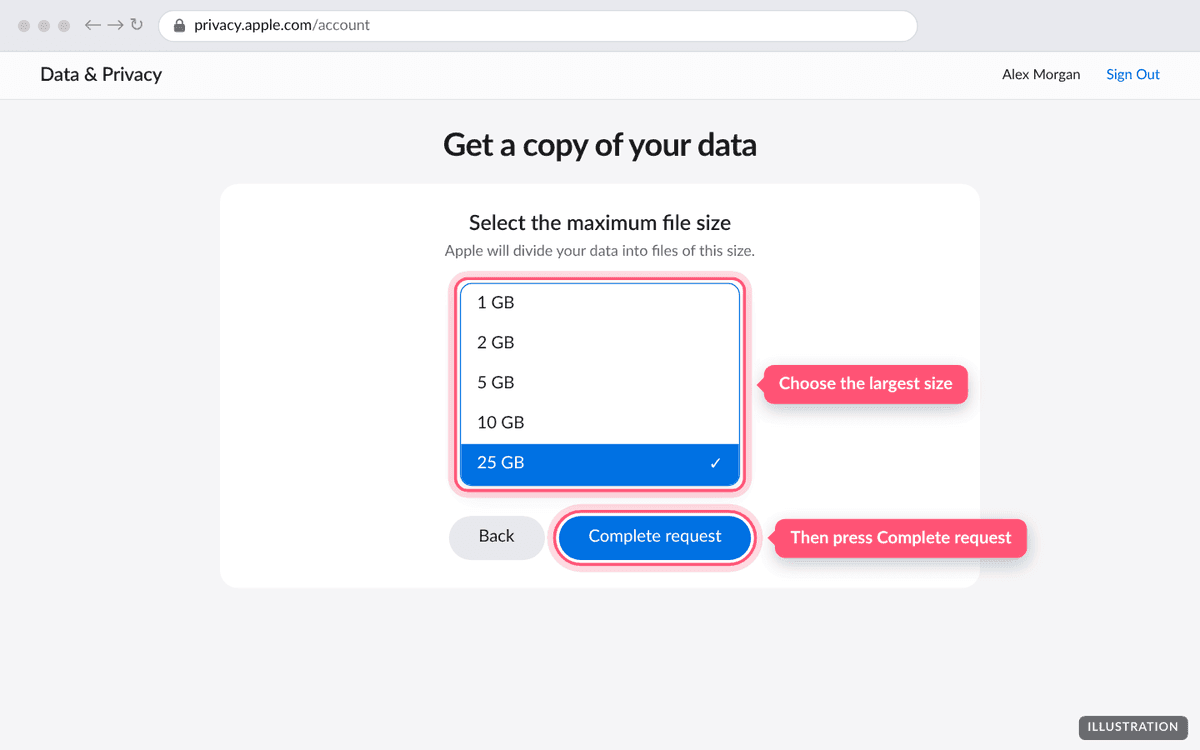
Illustration of the page. The real page may look slightly different. Wait for Apple's email
Apple says preparing your data can take up to 7 days. When it's ready, you get an email and the files appear on the Data and Privacy page. They stay available for 14 days.
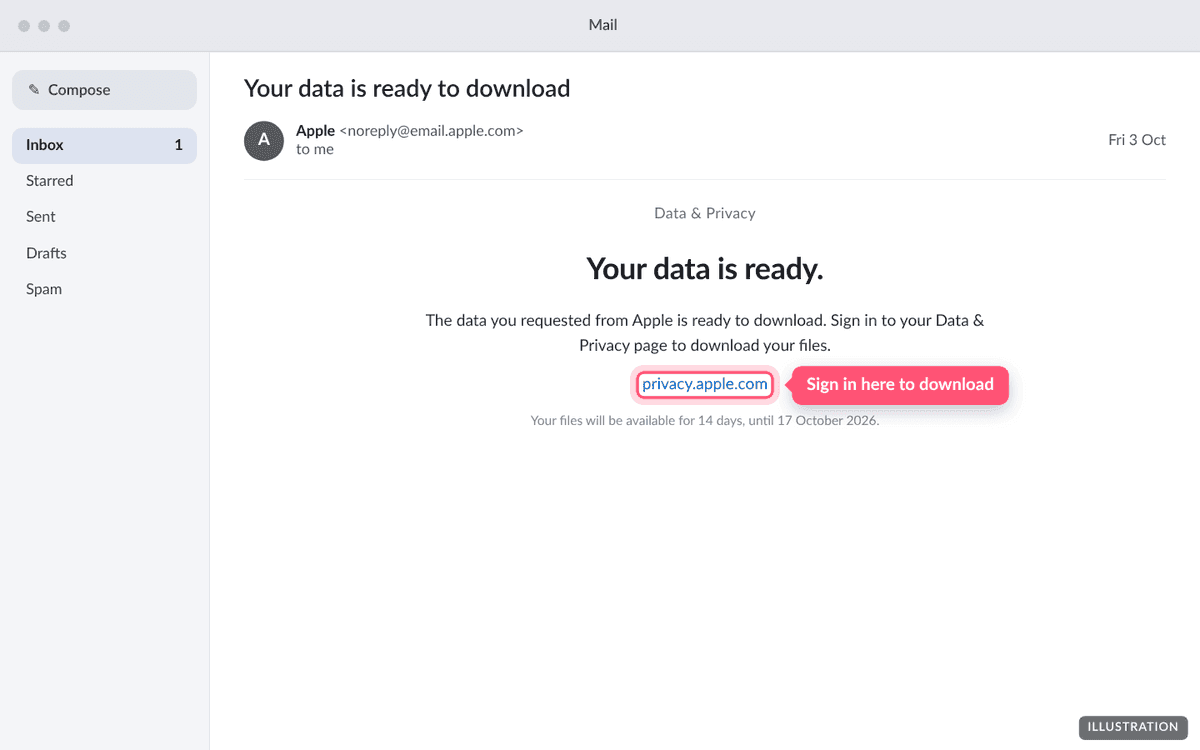
Illustration of the page. The real page may look slightly different. Download the zip and upload it here
Download Apple Media Services information. Don't unzip it; upload the whole zip to depth.fm. The music history is inside another zip within it, and depth.fm opens that for you.
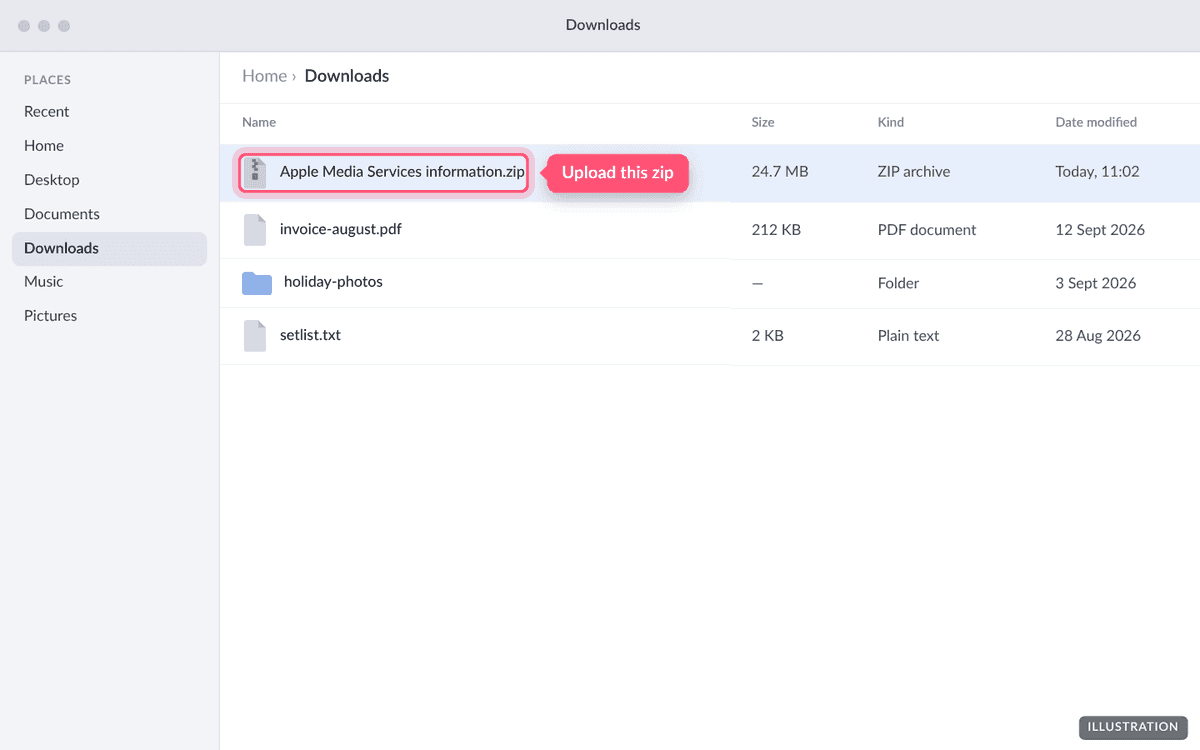
Illustration of the page. The real page may look slightly different. 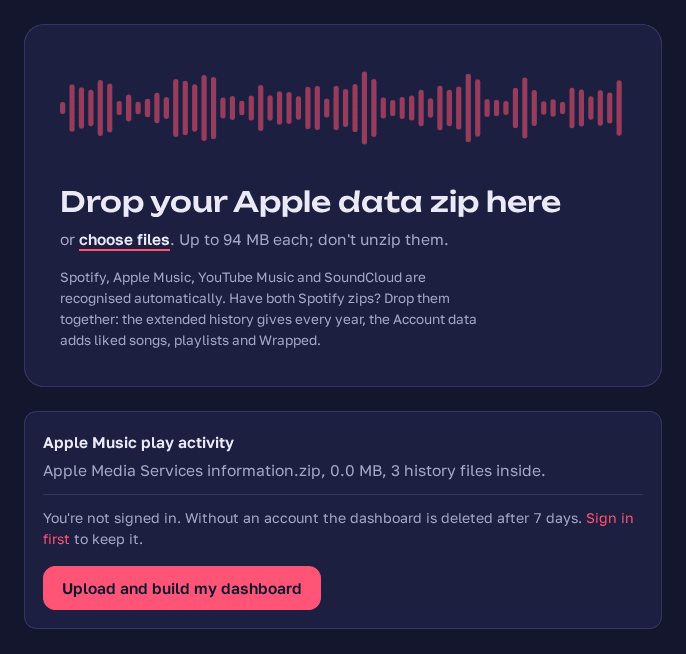
Screenshot taken September 2026: an Apple Music export dropped on depth.fm's upload page.
What's inside the zip?
The download is usually called Apple Media Services information.zip, or Apple Media Services information Part 1 of 2.zip if Apple split it. Inside is another zip, Apple_Media_Services.zip, and inside that:
Apple_Media_Services/Apple Music Activity/Apple Music Play Activity.csv: every play, the file depth.fm mainly reads.Apple_Media_Services/Apple Music Activity/Apple Music - Play History Daily Tracks.csv: a day-by-day summary.Apple Music Library Tracks.jsonand other files about your library, likes and playlists.- Folders for the App Store, Apple Books and other Apple services, which depth.fm ignores.
Apple has renamed columns over the years (for example "Content Name" became "Song Name"). depth.fm reads both old and new versions.
How long does it take?
Apple's stated maximum is 7 days. Many requests are ready sooner, but there's no way to speed it up.
Troubleshooting
Apple sent me several zips
Apple splits large exports into parts, named like "Part 1 of 3". Only one of them has your music history: the one that contains Apple_Media_Services.zip or a folder called Apple Music Activity. Upload that one. If you're not sure, upload them one at a time; depth.fm will tell you when a part has no Apple Music data in it.
I can't find Apple Music Play Activity.csv
It's inside Apple_Media_Services.zip, which is inside the zip you downloaded, so you won't see it straight away. You don't need to find it: upload the download and depth.fm looks inside. If depth.fm says it only found the daily summary, your export didn't include the play activity file. You can still use it, with times rounded to the hour.
depth.fm says nothing was found inside the zip
Unzip the download once and upload Apple_Media_Services.zip on its own. If that doesn't work either, check that you ticked Apple Media Services information when you made the request.
The download link expired
Apple keeps the files for 14 days. Request the data again from privacy.apple.com; you'll have to wait for a new email.
The upload says the file is too large
The limit is 99 MB. If you ticked other categories such as iCloud Photos, the zip can be far bigger. Request again with only Apple Media Services information ticked.
Questions people ask
- How far back does Apple Music's play history go?
- Usually to when you started using Apple Music, as long as the account was the same. Apple doesn't publish a limit, and older exports have been reported going back to 2015.
- Is this the same as Apple Music Replay?
- No. Replay shows a year's top songs, artists and albums. The data export is the raw record of each play, with the time, how long you listened and how the song ended.
- How long does Apple take to send it?
- Apple says up to 7 days. You then have 14 days to download the files before Apple removes them.
- Does the export include my IP address and device details?
- Yes. The play activity file has your IP address, rough location and device identifiers. depth.fm reads only the columns it needs and throws the rest away before anything is saved.
- Why are some of my plays missing an artist?
- Newer Apple exports often leave the artist column blank. depth.fm fills it in from the other files in the same export. Plays it still can't name are left out, and the upload summary tells you how many.
- Apple sent me several zips. Which one do I upload?
- The one that contains Apple_Media_Services.zip or a folder called "Apple Music Activity". The other parts are iCloud and store data that depth.fm doesn't use.
Got your Apple Music export?
Upload it and see every stream since your first. It's free and private until you share it.
Upload your export