How to get your SoundCloud listening history
SoundCloud has no download button for your listening history. You ask for a copy of your personal data through the chat assistant in SoundCloud's help centre, which files a request with their team. SoundCloud says the copy includes only your last 1,000 plays; upload what they send to depth.fm.
Last checked 27 September 2026. Request process and the 1,000-play limit checked against SoundCloud's help centre, not against a real export. SoundCloud doesn't publish the file layout of its data copy, so depth.fm reads common layouts. Screenshots to be added. Delivery time: up to about a month.
What can you get from SoundCloud?
SoundCloud doesn't have a "download your data" button. Instead you ask its support team for a copy of your personal data, which the law calls a subject access request. SoundCloud's help centre says this copy includes your listening history, but only your last 1,000 plays.
Some plays are missing even within those 1,000: SoundCloud leaves out tracks that were deleted, made private, blocked in your country, or whose uploader's account was removed.
How do I request it?
Open SoundCloud's help centre
Go to help.soundcloud.com in a web browser and sign in with your SoundCloud account.
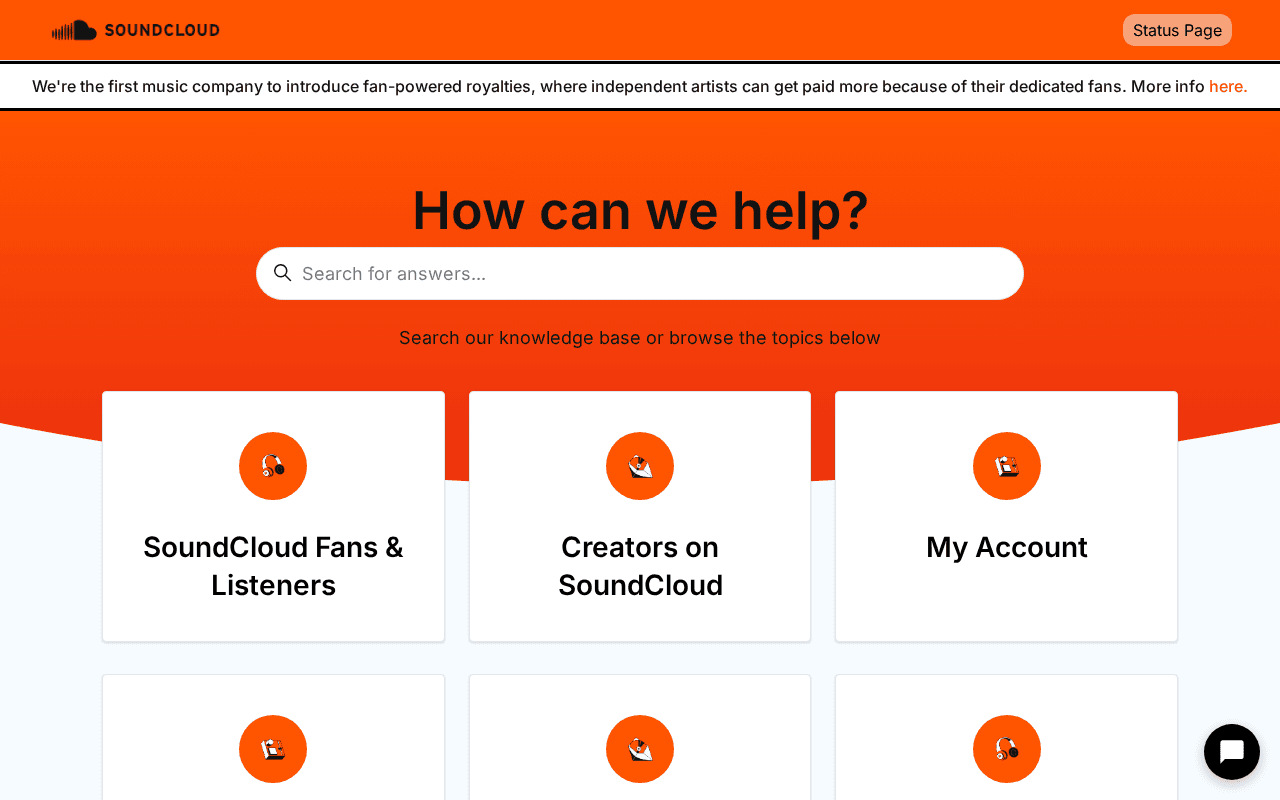
Screenshot of the real page. Start the chat
Open the chat assistant and ask for a copy of your personal data. You can call it a "subject access request" or a "data access request".
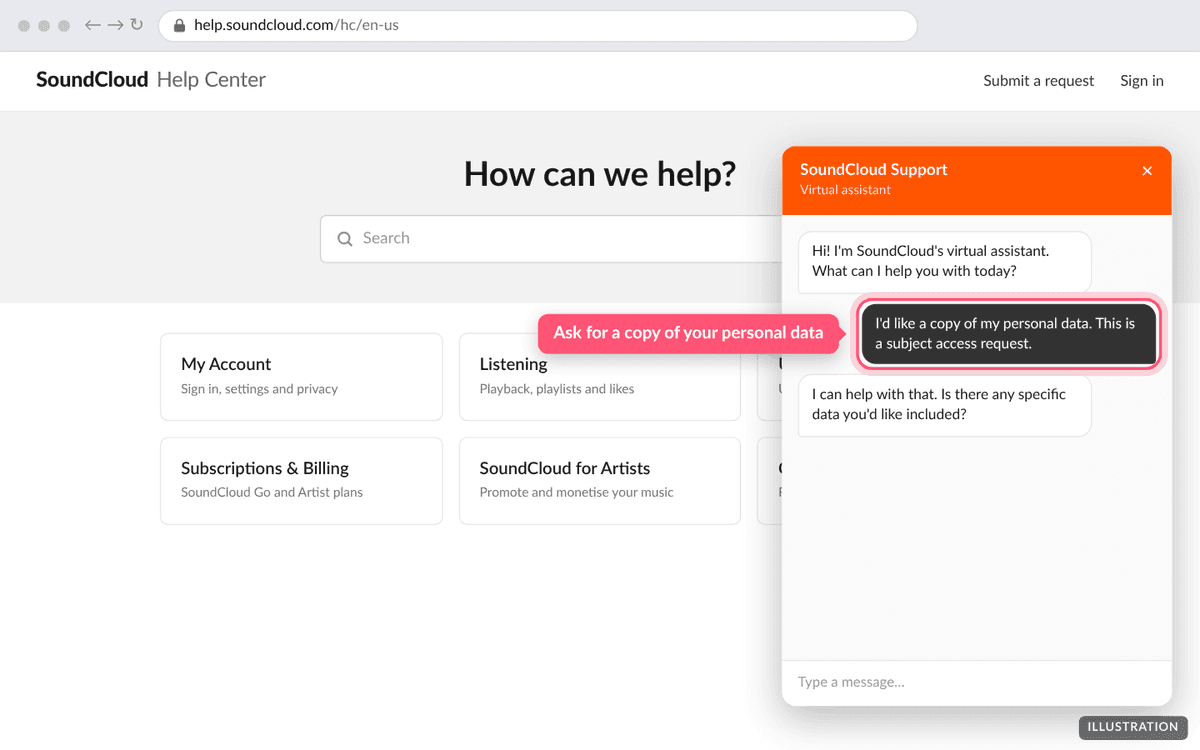
Illustration of the page. The real page may look slightly different. Ask for your listening history
Say that you want your listening history included. The assistant files a ticket with SoundCloud's team.
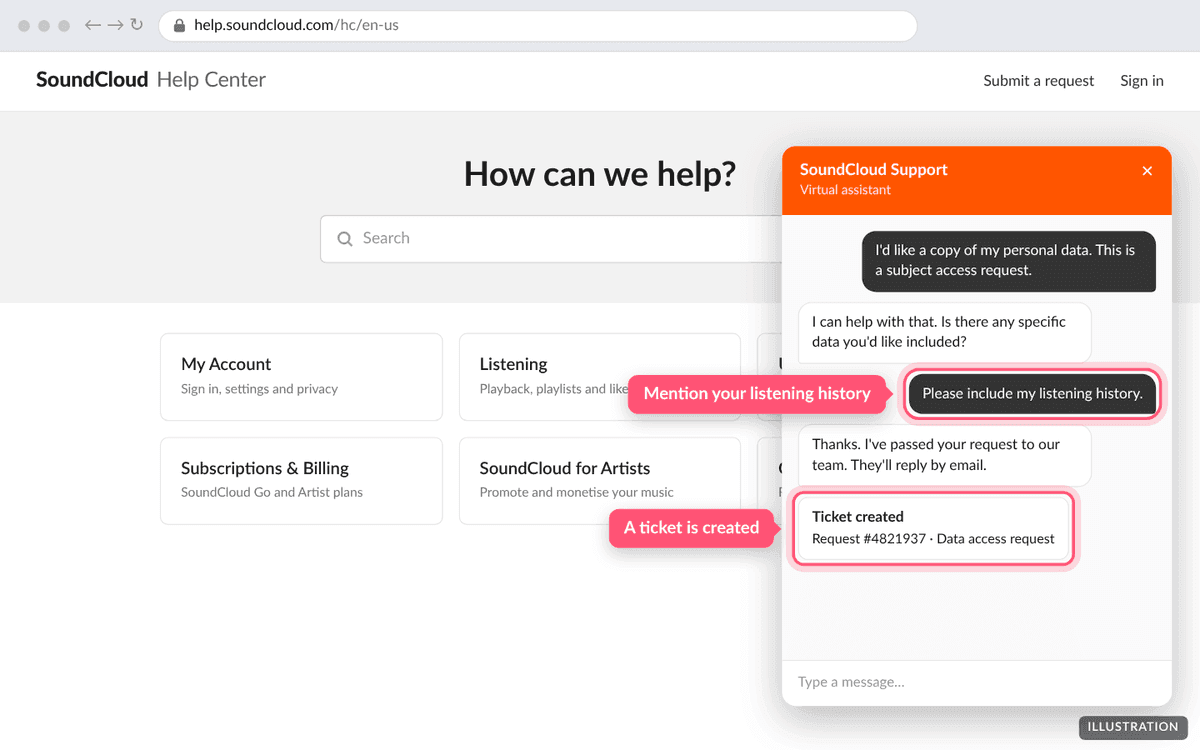
Illustration of the page. The real page may look slightly different. Wait for SoundCloud's reply
SoundCloud replies by email. Data requests can legally take up to a month.
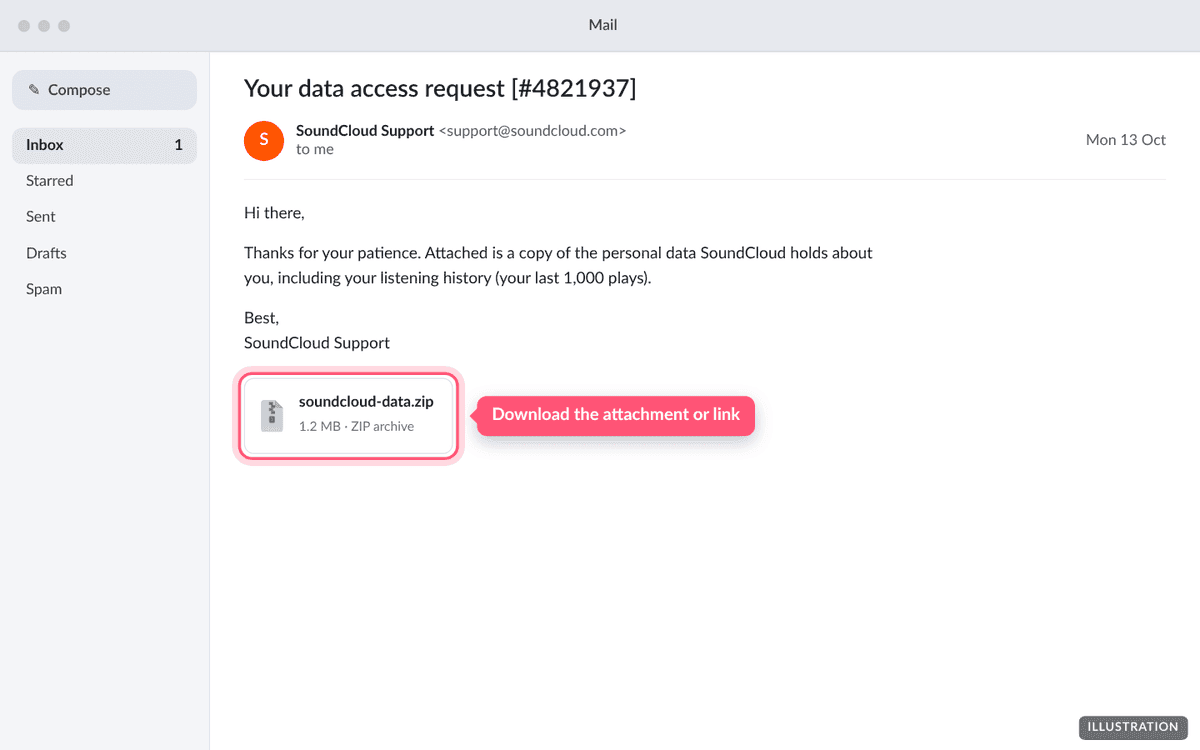
Illustration of the page. The real page may look slightly different. Upload what you receive
Upload the zip SoundCloud sends. If it contains several files, you can also upload just the listening history file.
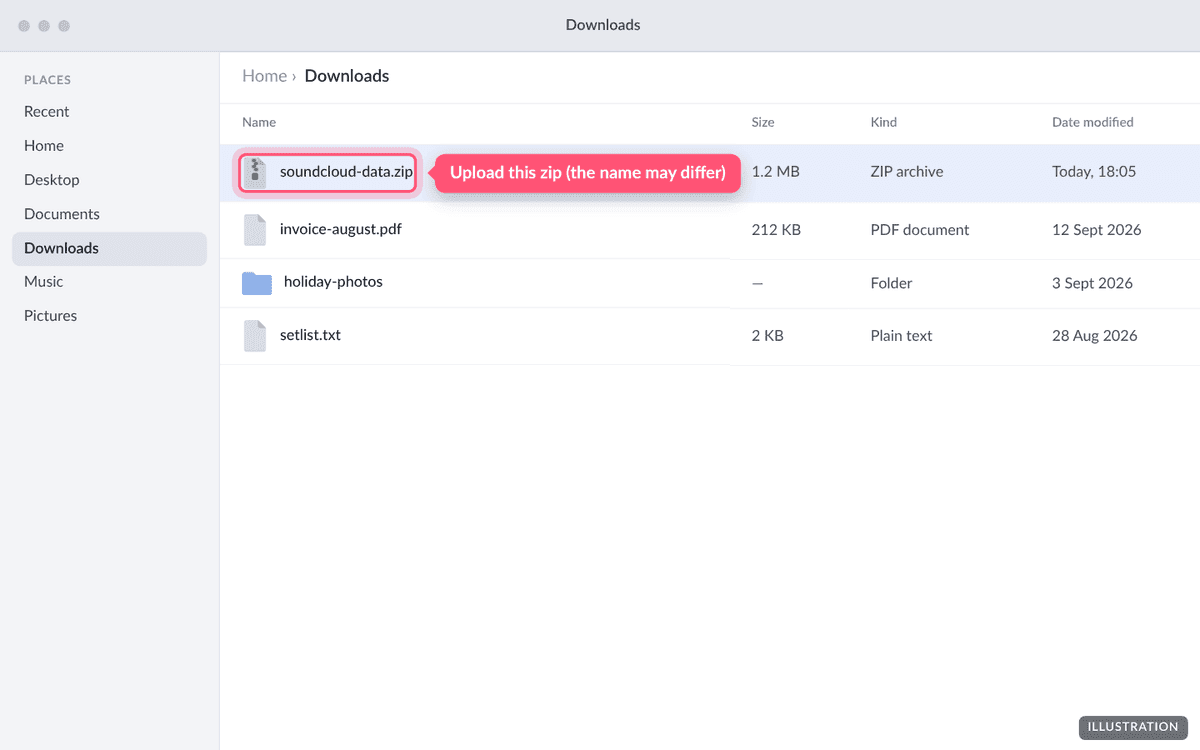
Illustration of the page. The real page may look slightly different. 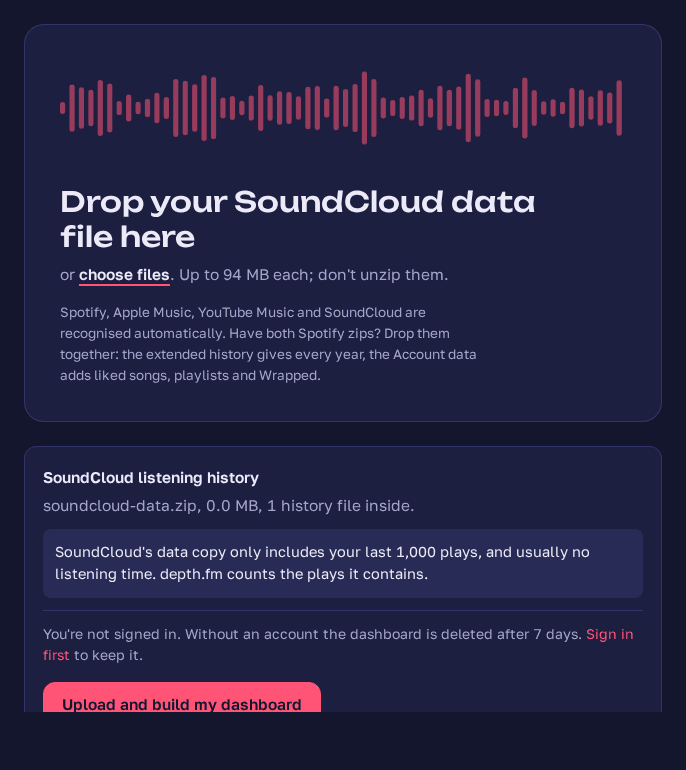
Screenshot taken September 2026: SoundCloud's data dropped on depth.fm's upload page.
What will the file look like?
SoundCloud doesn't publish the layout of its data copy, so we can't tell you the exact file name in advance. depth.fm looks for a spreadsheet (CSV) or JSON file about listening, history or plays, with a date and time and a track title on each row. It uses the artist name if there is one, and otherwise the uploader's name from the track's SoundCloud link.
Troubleshooting
Only my recent plays are there
That's SoundCloud's limit: the data copy includes your last 1,000 plays at most. Older listening isn't available from SoundCloud.
depth.fm says it can't find the listening history
SoundCloud's file names may differ from what depth.fm expects. Open the zip, find the file with your listening history and upload it on its own. If that still doesn't work, get in touch and tell us the file's name and column headings. Please don't send the file itself.
SoundCloud's reply has no listening history
Reply to SoundCloud's email and ask for your listening history specifically. Their help centre confirms it's part of what you can request.
Questions people ask
- Can I download my SoundCloud listening history from the settings page?
- No. As of September 2026 SoundCloud's help centre says to ask for a copy of your data through its chat assistant, which files a ticket. There's no self-service download.
- How much history will I get?
- SoundCloud says the copy includes your last 1,000 plays at most. Anything older isn't available from SoundCloud.
- Why are some songs I listened to missing?
- SoundCloud leaves out tracks that have since been deleted, made private, blocked in your country, or whose uploader's account was removed or went over its upload limit.
- Can depth.fm show how long I listened on SoundCloud?
- Only if SoundCloud's file includes a listening-time column. Otherwise depth.fm counts plays but can't add up listening time.
- How long does SoundCloud take?
- Data requests can legally take up to a month. SoundCloud doesn't publish a typical time.
Got your SoundCloud export?
Upload it and see every stream since your first. It's free and private until you share it.
Upload your export